
Most community fundraising problems are not actually fundraising problems but most of them are in reality administrative problems. While cash and checks arrive in envelopes and pledges are discussed in a group chat, the time spent on reconciliation of money received for an event, three weeks after the event, and on producing reports for such an event, is all spent in hours that nobody has counted.
Whether or not to use digital fundraising is not really a question for people running fundraising campaigns in schools, sports clubs or membership organizations. A more relevant question is what tasks should be performed by software and what tasks by humans, and what are the costs (fees, setup, training of volunteers) of using digital fundraising.
Start by pricing the administrative work, not the platform
Payment processing fees are boring numbers that do not get much attention in comparison between vendors. But that 2% of $12,000 = $240, and it can also equal the 8 hours that your treasurer spends on your fundraising campaigns counting, banking, and chasing for you. So if you think your treasurer’s time is worth that minimum, then the number of features that cost $10 or more per year to implement will add up very quickly.
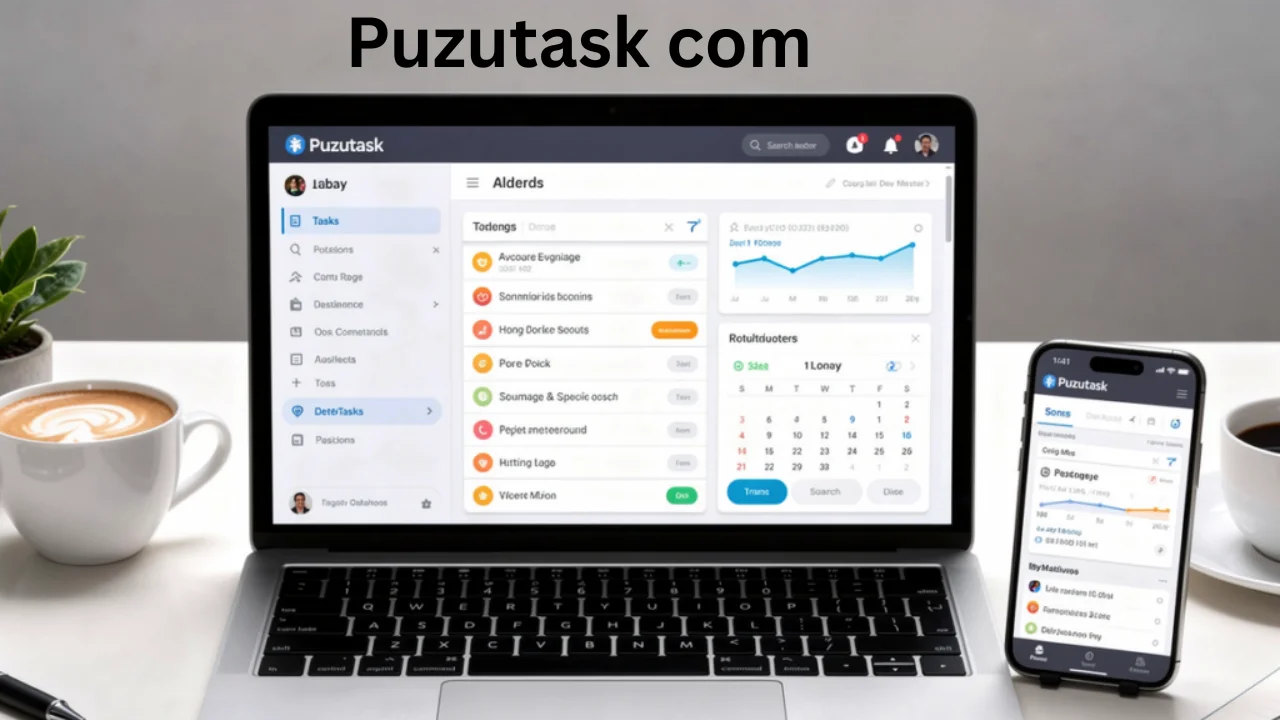
Time spent in community fundraising efforts, a graphic representation. In most cases, there are 8-10 hours spent in counting, banking and chasing for the various fundraising efforts in the community. There must be a way to collect the online donations for these fundraising efforts, using a suitable online fundraising system.
- Reconciling money received against who was meant to pay, especially for tiered items like uniforms, trips, or membership renewals
- Chasing non-payers, which usually means someone cross-checking a list manually and sending individual messages
- Producing receipts and tax acknowledgments, often retyped from another record
- Reporting to a committee, a board, or a school council in a format they will accept
What software actually fixes
Reconciliation and receipting of donations are nearly fully automatable as these are mainly rule-based matching tasks. Chasing non-payers (of course the last 10% that need to be chased) could be partly automatable by means of scheduled reminders. Reporting is completely dependent on whether or not the platform under review can export reports a) in a suitable format for the organization’s accounting system b) and/or via API and c) and/or via CSV/Excel export function. The best way to test for this is to use real data and test the functionality with sample data provided by the vendor. It will almost certainly work!
Choosing tools by campaign type rather than by feature list
This table compares features offered by different providers for community fundraising. The nature of a raffle, a single event or an annual campaign means that no single tool will be able to offer the full range of features that others can for each of these scenarios.
| Campaign type | Main administrative burden | What to prioritize in a tool |
| Product or ticket sales | Order tracking and fulfillment lists | Item-level reporting, order status, per-family collation |
| Sponsored events | Many small payments from people outside your database | Individual participant pages, low friction guest checkout |
| Recurring giving | Failed payments and lapsed donors | Automatic card retry, expiry notifications, donor self-service |
| Raffles and lotteries | Compliance and ticket allocation | Sequential numbering, audit trail, regional licensing support |
| Annual appeals | Segmentation and acknowledgment | Contact history, gift-level receipting, mail merge exports |
The consolidation trade-off
Using one system for all your fundraising events is recommended, because this will help you with your reporting and the volunteer work that is managing your events. The system may not have all the features that you are looking for to manage each specific event, and volunteers will have to do some manual work at the end of the year to consolidate all of the fundraising efforts for the organization. For most groups, a single flexible tool such as this online fundraising software covers each campaign type well enough that the annual report can be pulled straight from one place. For organizations raising less than $50,000 a year, using one system for all fundraising efforts will likely save more time than using many different systems. For organizations raising more than $50,000 a year, the reporting needs of the organization will vary and it will depend on the reporting features of each system.
Designing the payment moment for the person paying
Converting a donation in community fundraising is more about removing steps than it is about persuading people to give. In fundraising every field on a form, every account creation prompt, every redirect will lose people who have already decided to give.
- Allow payment without creating an account, even if you would prefer the data
- Offer the payment methods your community already uses, including digital wallets on mobile, which is where most community giving now begins
- Pre-fill amounts with three sensible options and one open field
- Send confirmation immediately, because uncertainty generates support inquiries
- Keep a cash option and a clear process for recording it, since excluding people who prefer cash costs more than it saves
Getting volunteers to actually use the system
Why do most online fundraising implementations fail at handover? Because most volunteers are not sophisticated enough to understand all of the settings and features of an online fundraising platform. They will muddle through for a year or so and then the treasurer leaves and the new treasurer doesn’t have a clue how to administer the online fundraising platform.
Three practices that protect continuity
Transfer money online within minutes. We strongly recommend that the following 2 people have FULL administrative access to online fundraising systems set up for your organization from the start, 1) The Organization (not the individual volunteering for the organization) and 2) Procedure notes written up for volunteers who will be set up for Read-Only access to online payment settings, reporting, and other fundraising system functionality.
One final key feature to look for is good support. Support from a fundraising software vendor is typically available in the evenings and on weekends, as this is when your volunteers will be fundraising. Therefore, be sure to look for a vendor’s help desk that is available 24/7/365. In addition, find out how long it will take for the vendor’s help desk to respond to a volunteer’s problem. Also, be sure to ask if training is included in the cost of the fundraising software or if there is an additional charge for this.
Measuring whether the change worked
Track three things, the total amount of money raised per campaign, the percentage of money raised through online giving, and the hours of administration by your treasurer. These three metrics should be increasing with good online fundraising software within two fundraising campaigns. If your online fundraising numbers are increasing but the administrative hours are not, then the problem is not with the software. The problem is with your process design and adding more features to the software is not going to solve the problem.