
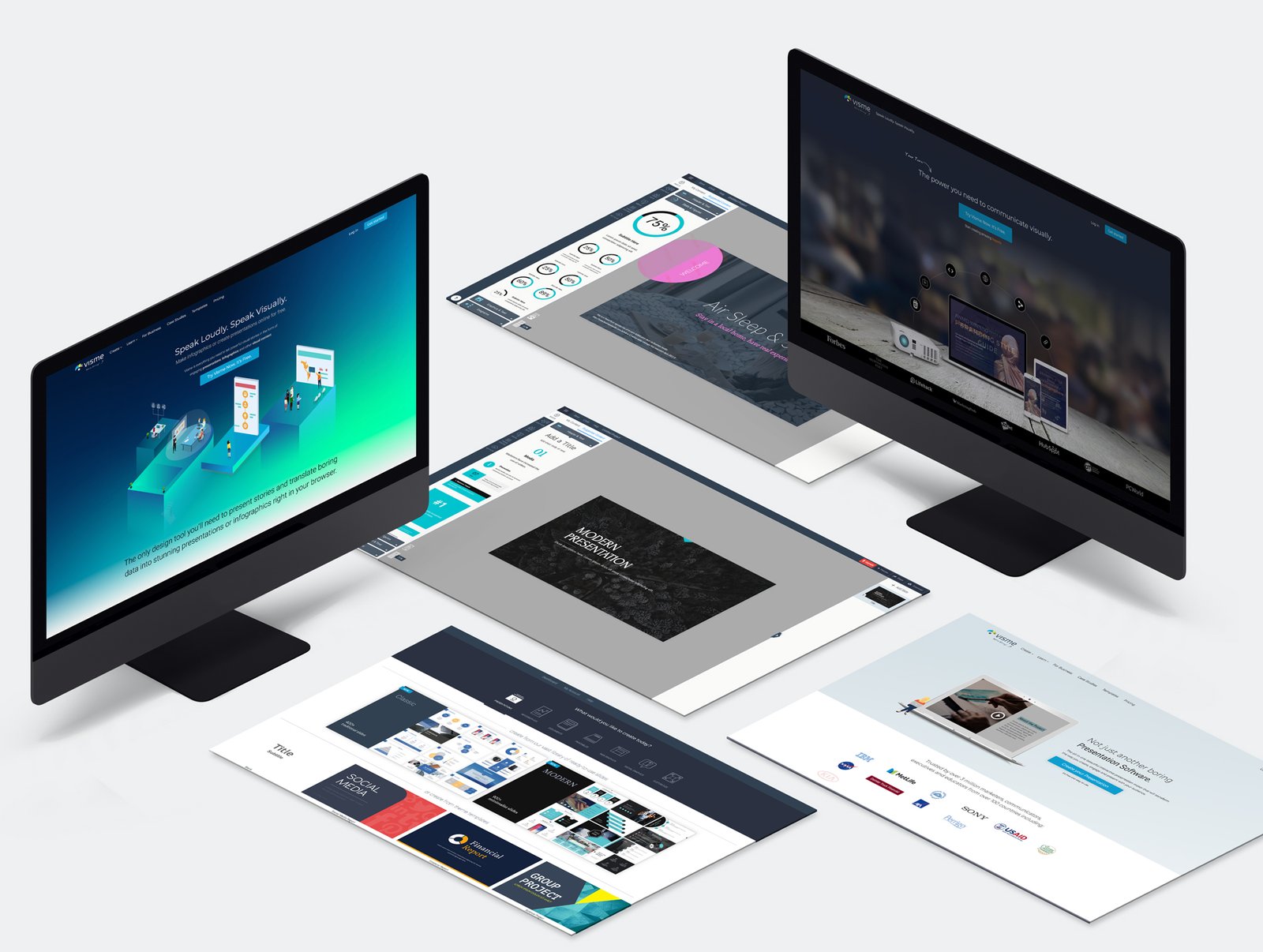
Presentations are an important part of both education and business communication. However, traditional presentations often rely on a speaker delivering information while the audience listens passively. In today’s digital environment, this approach may not always be enough to maintain attention or encourage meaningful participation.
This is why interactive presentation tools are becoming increasingly valuable. These platforms allow presenters to incorporate polls, quizzes, questions, multimedia, surveys, and collaborative activities into their presentations. As a result, meetings can become more productive and classrooms can become more engaging.
What Are Interactive Presentation Tools?
Interactive presentation tools are digital platforms that allow audiences to participate directly during a presentation. Instead of simply viewing slides, participants may answer questions, vote in polls, complete quizzes, share opinions, or contribute ideas.
These features can be used in many situations, including corporate meetings, training sessions, university lectures, school classrooms, webinars, conferences, and workshops.
The main purpose is simple: turn a presentation from a one-way communication method into a two-way experience.
Making Meetings More Engaging
Business meetings can sometimes become repetitive, especially when employees spend long periods watching slides and listening to presentations. Interactive features can help change this dynamic.
For example, a presenter can create a live poll to ask employees for their opinions about a new project. Participants can submit their responses from their devices, and the results can be displayed immediately.
This approach gives everyone an opportunity to contribute, including employees who may not feel comfortable speaking in front of a large group.
Interactive questions can also help meeting leaders identify concerns and collect useful feedback before making important decisions.
Improving Classroom Participation
Teachers face a similar challenge when trying to keep students focused during lessons. Simply presenting information on a screen may not encourage every student to participate.
Interactive presentation platforms can make lessons more active by introducing quizzes, questions, polls, and collaborative activities.
For example, after explaining a new concept, a teacher can display a multiple-choice question and ask students to respond immediately. The teacher can then see how many students understand the topic.
If many students choose the wrong answer, the teacher knows that the concept may need additional explanation.
Encouraging Real-Time Feedback
One of the biggest advantages of interactive presentations is real-time feedback.
In a traditional presentation, speakers may not know whether their audience understands the material until the presentation ends. By using interactive questions and polls throughout the session, presenters can receive feedback while the presentation is happening.
This allows them to adjust their approach when necessary.
In a business setting, real-time feedback can reveal employee opinions about a strategy or proposal. In education, it can show teachers which subjects students understand and which topics require more attention.
Supporting Remote and Hybrid Meetings
Remote and hybrid work have made digital communication increasingly important. Teams may include employees working from different cities or countries, making traditional face-to-face interaction more difficult.
Interactive presentation tools can help remote participants stay involved.
Instead of asking online attendees to simply watch a presentation, presenters can include live polls, Q&A sessions, quizzes, and discussion activities. These features can make virtual meetings feel more collaborative.
They are also useful for webinars and online training sessions where maintaining audience attention can be challenging.
Making Training Sessions More Effective
Employee training is another area where interactive presentations can provide significant value.
Training sessions often involve large amounts of information, policies, procedures, or technical concepts. If employees only listen to a trainer, they may have difficulty remembering everything.
Interactive activities can reinforce important information.
For instance, a trainer can present a short scenario and ask employees to select the best response. A quiz at the end of a section can also help participants review what they have learned.
This combination of information and participation can make training more engaging and easier to remember.
Improving Collaboration
Interactive presentations can also encourage collaboration among participants.
A presenter might ask employees or students to submit ideas about a particular topic. The responses can then be displayed and discussed as a group.
This can be especially useful during brainstorming sessions. Instead of relying on a few people to provide ideas, everyone can contribute through the presentation platform.
Collaborative activities can therefore create a more inclusive environment where different perspectives are considered.
Creating More Memorable Presentations
People are more likely to remember information when they actively engage with it. Interactive presentations provide opportunities for audiences to think, respond, discuss, and apply information instead of simply receiving it.
For example, a short quiz after an important section can reinforce key points. A poll can encourage participants to consider their own opinions, while an interactive question can connect the presentation topic to real-world situations.
These small activities can make an otherwise ordinary presentation more memorable.
Choosing the Right Tool
There are many interactive presentation platforms available, so choosing the right one depends on your goals.
For classroom environments, educators may prioritize quizzes, student responses, and learning activities. Business professionals may be more interested in live polling, Q&A sessions, collaboration, and audience feedback.
Ease of use is another important consideration. A complicated platform can distract from the presentation rather than improve it.
Before choosing a tool, consider its available features, compatibility with audience devices, collaboration options, pricing, and overall usability.
The Role of AI in Modern Presentations
Artificial intelligence is also changing how presentations are created and delivered. AI-powered presentation platforms can help users organize ideas, generate content, create slide structures, and save preparation time.
For professionals and educators who frequently create presentations, AI can reduce repetitive work and provide a starting point for developing content.
When AI-assisted creation is combined with interactive features, presenters can spend less time preparing slides and more time focusing on audience engagement.
Best Practices for Interactive Presentations
Simply adding interactive features does not automatically make a presentation effective. Activities should have a clear purpose and support the main topic.
Avoid adding too many polls or quizzes simply for the sake of interaction. Instead, use them when they can help explain a concept, collect feedback, encourage discussion, or test understanding.
It is also important to keep activities short and easy to understand. Participants should know what they are expected to do without needing complicated instructions.
A well-designed presentation balances information with meaningful opportunities for participation.
Conclusion
The traditional presentation model is changing as businesses and educational institutions look for better ways to engage their audiences. Interactive presentation tools can transform meetings and classrooms by encouraging participation, collecting real-time feedback, supporting collaboration, and making information more memorable.
Whether you are a teacher explaining a difficult concept, a manager leading a team meeting, or a trainer conducting an online workshop, interactive features can help create a more dynamic experience.
The key is to choose the right platform and use interactive elements strategically. When technology supports the content rather than distracting from it, presentations can become more engaging, collaborative, and effective.